
What a Bristol County Court Docket Is
A court docket is the running log of events for a single case. Every time something happens - a filing, a hearing, a judge's order, a continuance - the clerk enters it into the docket. The result is a dated list that shows the full procedural history of a case from first filing through final disposition. Bristol County courts use the Massachusetts Trial Court's case-management system to generate these entries, so the same format applies whether the case is in Superior Court in Taunton, District Court in Fall River, or the Probate and Family Court in New Bedford.
The docket is not the same as the actual documents in a case. It lists events and references filings, but the full text of motions, orders, and judgments live in the case file. For most public purposes, the docket tells you what was filed and decided. When you need the text of a specific order or a certified copy of a judgment, you request it from the office where the case is filed. The Massachusetts Trial Court's guidance on how to search court dockets makes this distinction clearly: the online portal is electronic case access, not a substitute for the official public record.
Bristol County has courts in four cities: Taunton, Fall River, New Bedford, and Attleboro. Each has its own clerk or register office, and cases filed at one location are not always transferred when a party moves. Knowing which court handled a case matters before you search, because filtering by court department and division is the fastest way to narrow results in the portal.
How to Search Bristol County Dockets
The MassCourts Electronic Case Access portal is the starting point for any Bristol County docket search. It covers all Trial Court departments and is free to use without an account for basic public docket data. The steps below apply whether you are searching by name or by docket number.
- Open the portal. Go to MassCourts Electronic Case Access. The portal runs on Wicket and requires JavaScript. Use a standard browser with scripting enabled.
- Choose a search mode. The portal supports name-based search and docket/case-number search. Pick the tab that matches what you have. If you only know a party's name, use name search. If you have the docket number from a court notice or prior paperwork, use case-number search.
- Select the court department. Bristol County has Superior Court, District Court, Probate and Family Court, Housing Court, and Juvenile Court sessions. Filtering by department cuts down noise. Criminal matters often land in Superior or District Court. Divorce, estate, and guardianship matters are Probate and Family. Evictions are Housing Court. Juvenile matters are restricted and may not appear in public results.
- Select the court division or location. Bristol County divisions include Taunton, Fall River, New Bedford, Attleboro, and Southeast Housing sessions. Narrowing to a location helps when a common name returns many results.
- Enter the party name or docket number. For name search, enter last name first. Adding a first name narrows the list. For case-number search, use the exact number as printed on court paperwork - Massachusetts docket numbers typically include a two-digit year, court or division letters, a case-type code, and a sequence number.
- Review the result list. Results typically show docket or case number, case caption or party names, court department and division, filing or start date, case type, and status. Open a case to see the full docket entry log.
- Request official copies from the clerk office. Once you have the docket number and case details, contact the Clerk of Courts, Clerk-Magistrate, or Register of Probate at the court where the case was filed. Bring or provide the docket number, party names, case type, and document names. The online portal does not replace the official record.
Mass.gov's docket-search guidance page provides additional context on how the portal works and what the Trial Court makes available remotely. The screenshot below is from that guidance page.
The Mass.gov docket-search guidance page explains the difference between electronic case access and the official court record.
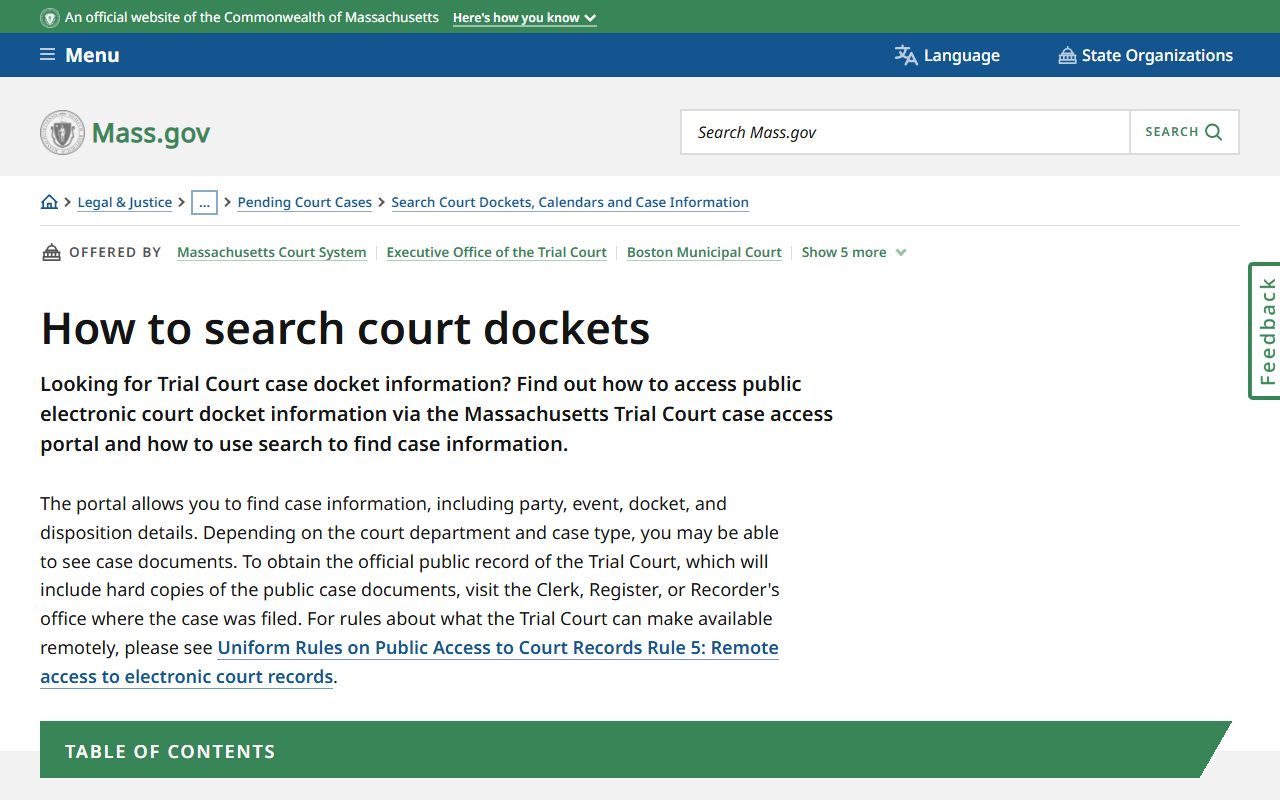
The guidance page confirms that official public records, including hard copies of case documents, must be obtained from the Clerk, Register, or Recorder office where the case was filed - not from the online portal alone.
Note: Attorneys registered with the Massachusetts Trial Court under Uniform Rule 5 have broader portal access than the general public; some docket details visible to attorneys may not appear in a basic public search.
Searching by Name vs. Docket Number
Name searches are useful when you do not have a case number yet. The portal lets you enter a last name and optional first name, then filter by department and division. A common name in a large county can return many rows. Adding court department and date range filters cuts the list quickly. If the person had cases in multiple departments - say a criminal matter in Superior Court and a later civil matter in District Court - each case appears separately because each has its own docket number.
Docket-number searches are faster and more precise. Massachusetts docket numbers follow a pattern that encodes the year and court. For example, a number starting with "24" was filed in 2024. The letters that follow typically identify the court or division and case type. The exact format varies by department. Superior Court criminal, District Court civil, and Probate Family Court cases each have slightly different numbering conventions. The docket number appears on any official court notice, summons, or prior paperwork connected to the case. If you have that number, use it - you will go directly to the correct case record.
One practical note: some case information in Probate and Family Court is restricted by impoundment rules even if the case appears in results. Financial statements in divorce cases, child-related documents, and some medical information may be present in the case file but not visible to the general public in the online portal. The Probate and Family Court public records FAQ explains what is viewable online and what requires a visit to the Register's Office.
What a Bristol County Docket Shows
A typical Bristol County court docket entry contains several standard fields. The table below covers the fields you are likely to see on a public docket in MassCourts, drawn from the Trial Court's case-management system as described in the research and in the Uniform Rules on Public Access Rule 5.
| Field | What It Shows |
|---|---|
| Docket Number | Unique case identifier assigned by the Trial Court. Encodes filing year, court department or division, case-type code, and sequence number. Used for all copy requests and court inquiries. |
| Case Caption | The parties to the case. Criminal cases typically show Commonwealth v. Defendant. Civil and probate cases show Petitioner or Plaintiff v. Respondent or Defendant. Restricted cases may show initials or redacted names. |
| Court Department and Division | Identifies the Trial Court department (Superior, District, Probate and Family, Housing, Juvenile) and the specific Bristol County location (Taunton, Fall River, New Bedford, Attleboro). |
| Filing Date / Start Date | The date the case was opened. This is not the date of the underlying event; it is the date the complaint, petition, or indictment was filed with the court. |
| Case Type / Category | Classifies the matter: criminal, civil, divorce, probate estate, guardianship, conservatorship, summary process, small claims, delinquency, housing, and similar categories depending on department. |
| Status / Disposition | Current case standing. Common values include pending, open, disposed, closed, dismissed, continued, judgment entered, sealed, impounded, or transferred. |
| Parties | Named parties in the case - plaintiff and defendant, petitioner and respondent, Commonwealth and defendant, or decedent and estate representative. Juvenile and confidential parties are restricted from public view. |
| Attorneys | Counsel of record when entered by the court. May show bar number and party represented. Not always complete in all case types or at all stages. |
| Docket Entries / Events | The chronological event log. Entries include complaint filed, summons issued, return of service, arraignment, bail set, motion filed, hearing scheduled, order entered, judgment, appeal docketed, sentence, probation event, continuance, and dismissal. |
| Hearing Details | Scheduled court date, time, and session or courtroom where available. Upcoming dates show what is next; past dates show when events occurred. |
| Financial Fields | Filing fees, fines, assessments, restitution, bail or bond amounts, and judgment amounts may appear in criminal or civil records depending on department and public-access rules. |
| Document References | Docket entries often name the document filed (motion to dismiss, opposition, order). Remote PDF access is not guaranteed for the general public under Uniform Rule 5; the actual document typically requires a visit or request to the clerk office. |
Fields containing Social Security numbers, financial account data, victim or witness identifiers, minor names, adoption information, mental health records, or impounded material are not public-facing. They may be present in the case file but will not appear in the online docket results for the general public.
Daily Lists and Court Schedules in Bristol County
Bristol County courts generate Trial Court Daily Lists, which are PDF schedules showing the cases set for hearing on a given day. The daily list is produced from the same case-management data that feeds MassCourts. It is not the official court record, but it is a useful tool for finding hearing times and courtroom assignments before you travel to a courthouse.
Daily lists typically appear as links on each court's Mass.gov location page, usually posted in the morning of the court day or the afternoon before. They show docket numbers, party names or captions, case types, scheduled times, and courtroom or session assignments. If a case is continued or removed from the list after posting, the daily list will not always reflect the change. Calling the Clerk-Magistrate's office before appearing is still the safest practice for time-sensitive matters.
The Fall River District Court page on Mass.gov links to daily lists and other case-access tools for that division.
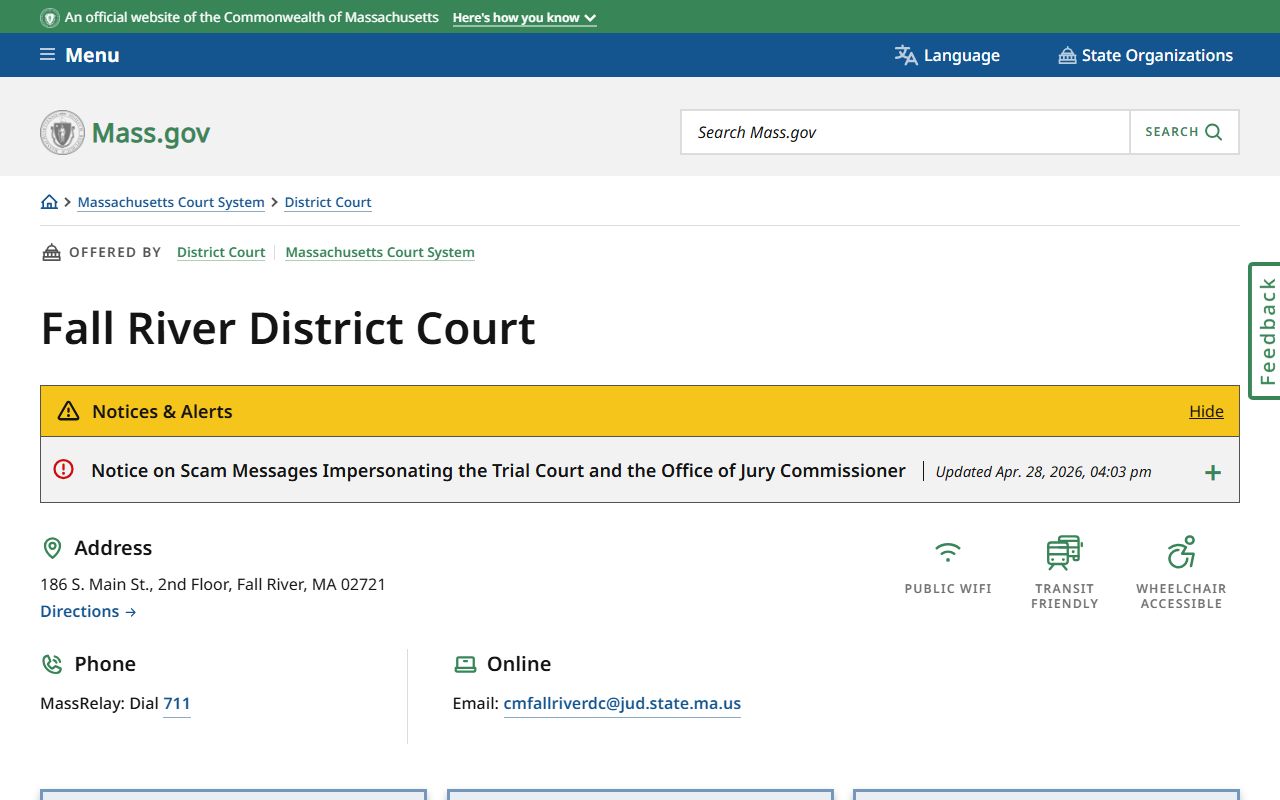
Fall River District Court serves Fall River, Freetown, Somerset, Swansea, and Westport; its daily lists cover the criminal, civil, small claims, and Adult Drug Court sessions for those communities.
The Attleboro District Court page similarly links to daily lists covering Attleboro, Mansfield, North Attleboro, and Norton.
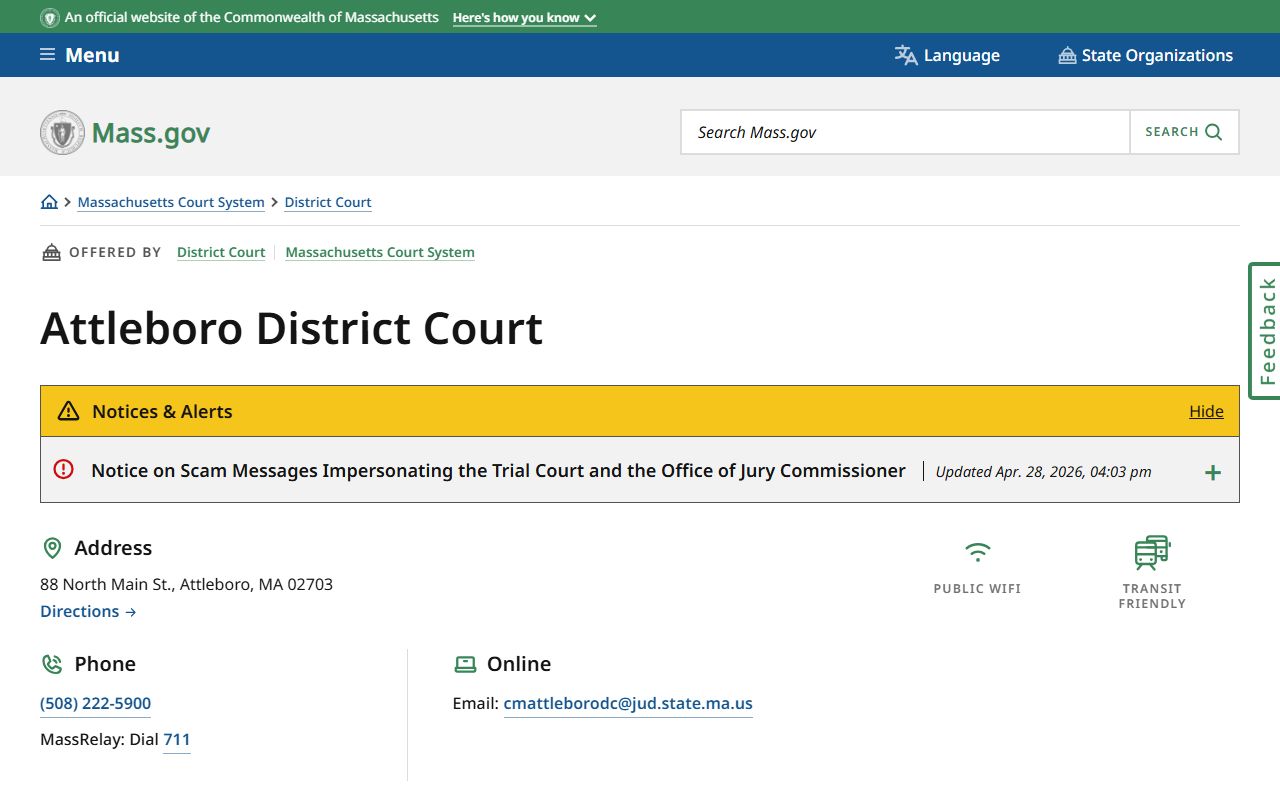
Attleboro District Court's daily list is a practical resource for tracking matters set in the northern Bristol County division, including its Adult Drug Court session.
Note: Daily lists are generated from case-management data and are not the official court record; use them to confirm hearing dates, not as documentation of case outcomes.
Dockets vs. Official Case Records in Bristol County
A docket and an official case record serve different purposes. The docket is an index - a list of events that tells you what happened and when. The official case record is the full collection of documents: complaints, motions, exhibits, orders, judgments, transcripts, and every other paper or electronic filing in the case. The docket points to those documents. The documents themselves live in the file maintained by the Clerk of Courts, Clerk-Magistrate, or Register of Probate at the court where the case was filed.
| Court Docket | Official Case Record | |
|---|---|---|
| What it is | Chronological event log for one case | Complete file - all documents, filings, orders, transcripts |
| Where to find it | MassCourts Electronic Case Access (free, online) | Clerk of Courts, Clerk-Magistrate, or Register's Office where case was filed |
| Typical access | Free public access for basic case data; no account needed | May require in-person visit, written request, and per-page copy fee |
| Remote PDF availability | Not guaranteed; Uniform Rule 5 does not currently extend general public remote PDF access | Certified copies available at the clerk office; not broadly available as remote downloads for the general public |
| Use cases | Track case status, confirm hearing dates, find docket number, see disposition | Legal review, appeals, certified copies for proceedings, evidence, background research |
| Official status | Not the official public record; Mass.gov says official records come from the clerk office | The official public record maintained by the Trial Court clerk or register |
For Bristol County Superior Court matters, the Clerk of Courts office handles official records. District Court divisions use Clerk-Magistrates at each division. Probate and Family Court records come from the Register's Office. Uniform Rule 1 defines what counts as a court record for access purposes, and Uniform Rule 5 sets the limits on what the Trial Court makes available remotely to the general public.
Correcting Errors in a Bristol County Docket
Docket entries sometimes contain clerical mistakes - a misspelled name, a wrong date, or a case type entered incorrectly. The process for correcting these depends on the court department and the nature of the error.
For Probate and Family Court matters, the official FAQ says users can file a Request for Correction of Clerical Error with the court where the case is located if the issue is a clerical mistake. That request goes to the Register's Office, not to a county-level filing point. Corrections to active criminal dockets or civil court dockets are handled through the Clerk-Magistrate or Clerk of Courts for that division. The correct approach is to contact the office directly, bring the docket number and a description of the error, and ask about their correction form or procedure. Errors that affect legal rights - wrong party name in a judgment, incorrect disposition code - may require a motion filed through an attorney.
For name-match errors, where a search result returns a record for someone with a similar name but a different person, the issue may reflect the limits of the public search rather than a data entry mistake. The safest step is to contact the clerk office with identifying information to confirm whether the record belongs to the correct person. Massachusetts CORI rules and sealing statutes under M.G.L. c. 276, § 100A and related sections govern how criminal records can be restricted if they are incorrect or eligible for sealing.
For Massachusetts CORI law guidance and the process for challenging or sealing a criminal record, Mass.gov provides a dedicated resource covering sealing eligibility and the petition process.